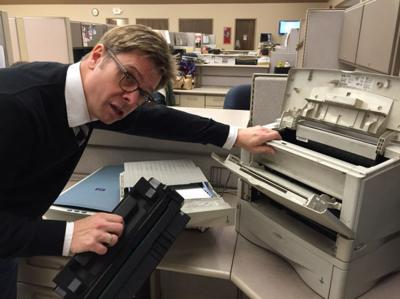

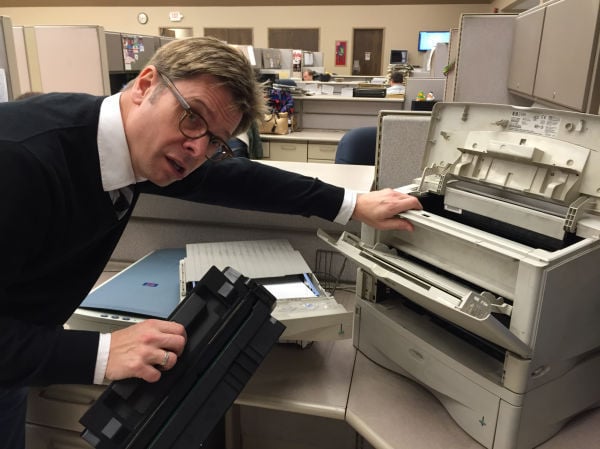
I never was trained to repair a computer printer.
But I think I could.
After 30 years of pulling, prodding and poking a host of machines – none of them blessed with an owner’s manual – I’ve learned enough to realize they’re more temperamental than a 2-year-old in church.
Unlike those of us charged with using them, they can take their good ol’ time to “warm up.”
Once they do – and this could take 15 minutes or more – they’ll tell you they’re out of paper. Never mind there are at least three sheets in the tray. That’s “out of paper” and, darn it, feed me.
Once you do, the machine will quickly grab one sheet and tilt, forcing you to excavate like a miner: “Open top cover. Open back cover. Remove paper. Remove ink cartridge. Check for paper.” After all the parts are splayed on a table, a flashing light will indicate something is amiss.
People are also reading…
Put the pieces back and you still may get a tilt. Or another quick paper grab that will require a repeat performance.
If, indeed, the paper is installed appropriately, the machine will insist on checking its print quality. So if you don’t get something that looks like a television test pattern, you’ll get an elaborate Dali print that sucks up most of your yellow ink.
Sensing that it’s low, the machine will want to run an ink level check.
This takes at least 10 minutes and, likely, will prompt the “clean printer heads” option, which will deplete all of your magenta ink.
Before that finishes, another warning light will go on, followed by some horrid honking noise.
If, like me, you decide to unplug the machine and start all over, be prepared to pay the “warming up” god once more.
Turning it off will not make all things good. That’ll just make the printer angrier.
So you’re best to offer comforting words and a nice pat on the scanner. Let the poor thing show you its artwork, give it plenty of new ink and you should be ready to go.
Unless the wi-fi decides to act up.
Then you’ve got to check router cords, cable connections and some weird “double-secret-private” number you never knew in the first place.
If, at some point, you decide to call tech support to help fix it, just know you’ll be getting in line for “the next available agent” who isn’t going to stand for profanity of any sort.
“Sir, if you continue to swear, I’m authorized to hang up” must be printed on some cheat sheet shared by the tech support folks in India. (How they know that combination of words is considered “swearing” is beyond me, still it’s best not to tempt fate.)
A better bet? Pull out all those parts you did 45 minutes earlier, caress them and carefully put them back. Fill the paper tray three-fourths full and jiggle the ink cartridges just to make sure they’re ready to go. Let it print that test sheet and when it emerges, offer a heartfelt compliment – “That’s beautiful! I’ve never seen such printing in my life! How do you do it?”
Then, maybe then, you can go back to printing those dumb jokes you found on Facebook.